
How to Deal with Http 500 Internal Server Error
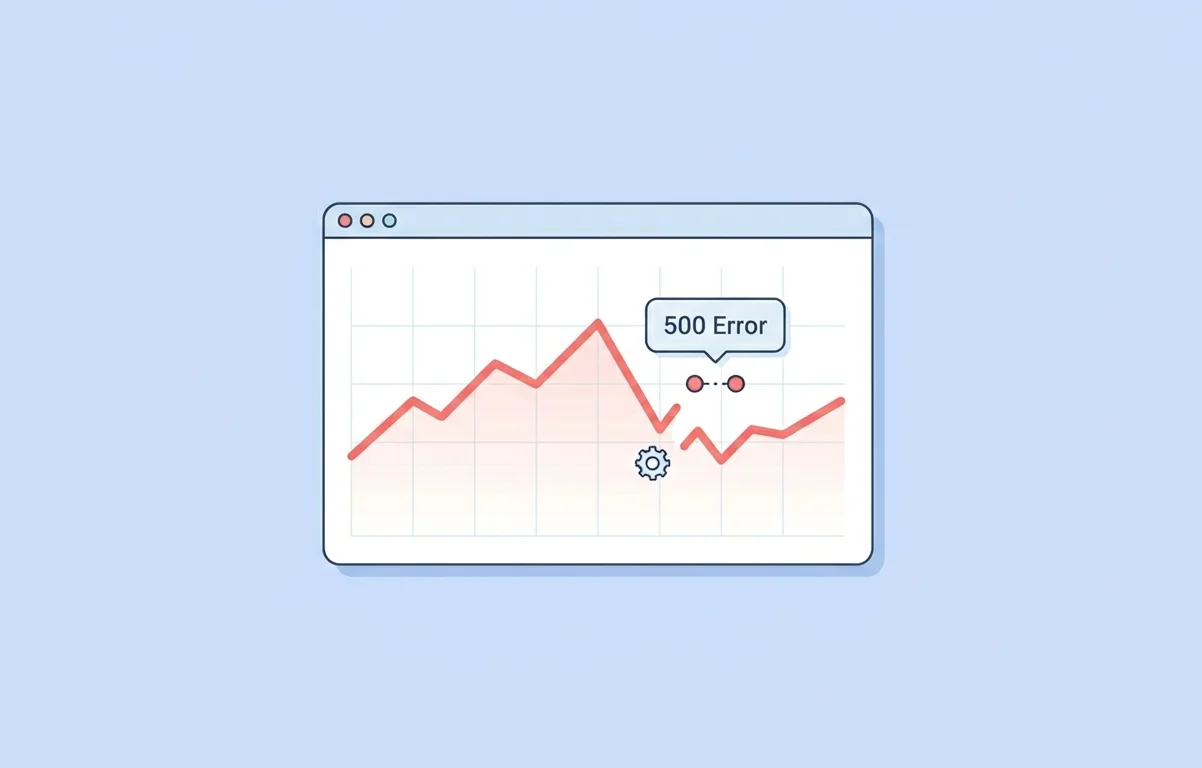
An http error 500 appears when a web server is unable to execute a request due to an internal fault. In practical terms, the system understands something is broken but cannot specify the exact issue. This is the core http error 500 meaning that confuses most site owners, especially when everything was working fine just moments before.
Why It Is a Critical Issue
Unlike minor errors, a status code 500 can impact the whole website at once. I have seen cases where a sudden misconfiguration caused every page to fail instantly. When this happens, both users and search engines are unable to access site content, which makes it a serious technical SEO concern.
Why HTTP 500 Errors Are Dangerous for SEO
Impact on Crawling and Rankings
From an SEO standpoint, Http 500 internal server error comes as a major issue. When Googlebot detects an http error 500 frequently, it starts reducing crawl activity. This behavior forms a negative pattern that leads to delayed indexing and sometimes ranking drops.
In one audit, repeated http 500 error responses over five days caused nearly 35 percent traffic loss. These errors directly impact your ranking efforts because search engines prioritize stable and accessible websites.
500 Error VS. Other 5xx Response Codes
Key Differences
A status code 500 is generic, while other 5xx errors are more specific. For example, a 502 indicates a bad gateway, and 504 points to a timeout issue. The majority of beginners fail to recognize this difference and end up applying the wrong fixes.
Why Correct Identification Matters
When you are dealing with so many server errors, choosing the right approach is important. A http error 500 usually signals internal configuration problems, while other errors may relate to network or server communication. Understanding this helps you pick better choices during troubleshooting and avoid wasting time.
Common Causes of HTTP 500 Internal Server Error
Server and Configuration Issues
One of the most common reasons behind internal server error 500 is poor website maintenance. Misconfigured files, especially .htaccess, can break functionality instantly. In many cases, the web server itself becomes the source of the problem due to incorrect settings.
CMS and Plugin Conflicts
Using WordPress or similar platforms CMS? Plugin conflicts are often the culprit. I have found that outdated plugins or themes frequently create compatibility issues, which leads to a server error without warning.
Resource Limits and Database Failures
Another major cause is resource exhaustion. When scripts overload the server, it becomes unable to execute requests. Database issues also contribute to this, especially when queries start clogging the system. These situations sometimes result in a status code 500 appearing across multiple pages.
How to Fix HTTP 500 Internal Server Error (Step-by-Step)
Identify the Root Cause First
When dealing with this issue, don't panic. Even though it looks shocking, most http error 500 cases can be resolved. Start by checking server logs where the actual fault is usually found. Logs help you recognize whether the issue is related to code, plugins, or server configuration.
Apply Quick Fixes
Once you know the problem, begin with simple steps. Regenerate the .htaccess file, disable recent plugins, and increase memory limits. These quick fixes resolve a large percentage of http 500 error problems in real scenarios.
Advanced Fixes and Hosting Support
If the issue continues, move to deeper troubleshooting. Check file permissions and re-upload core files. If your whole website is down, contact your hosting provider as soon as possible. Sometimes the problem exists at the web server level, and external support is needed to fix it.
Recovery and Monitoring Steps
After fixing the issue, you need to be proactive. Check how often the http error 500 occurred and which URLs were affected. Use Google Search Console to request reindexing and monitor performance recovery. This step is essential because unresolved issues can silently impact website SEO performance over time.
How to Prevent HTTP 500 Errors in Future
Prevention comes down to consistency. Most http error 500 issues happen due to neglect rather than complexity. Regular updates, proper monitoring, and avoiding unnecessary scripts can reduce risks significantly.
Make it a habit to perform technical SEO checks frequently. Choose reliable hosting and maintain backups. As per my experience, sites that follow these practices rarely face recurring http 500 error issues, even under high traffic conditions.